Adelpha MRI: Intelligent Console and Digital Twin for Low-Field MRI
Adelpha is an open-source, intelligent digital-twin platform for developing, monitoring, and operating low-field MRI systems. It integrates scanner visualization, real-time system data, imaging workflows, engineering tools, and AI-assisted capabilities within a unified environment. Its modular architecture can also be adapted to other MRI systems and research applications.
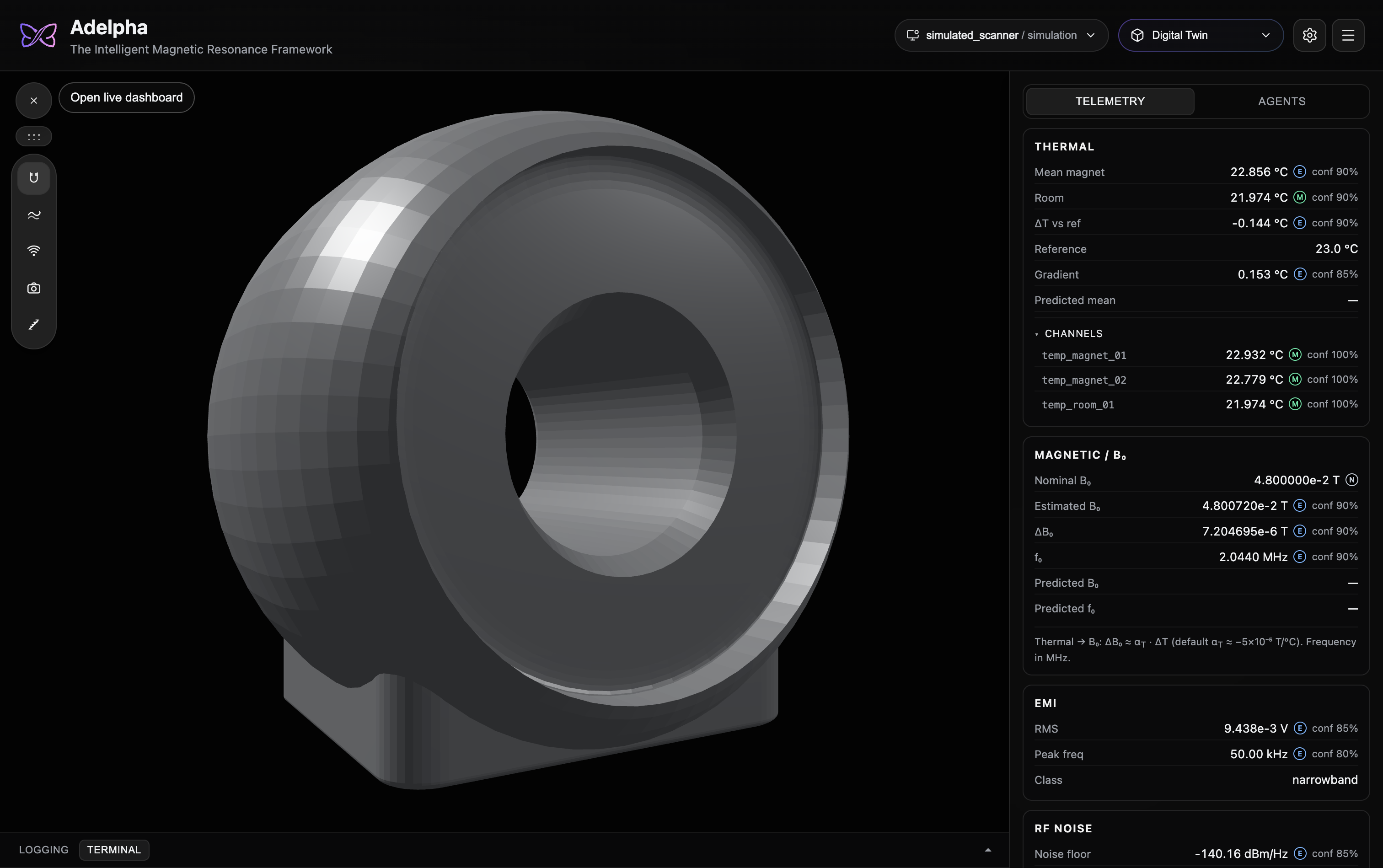
What you can do
Every live number is labeled measured, estimated, predicted, or nominal, so a forecast is never mistaken for a sensor.
One installer
A packaged Adelpha starts its own Twin, Imaging Console, and (after you add a key) Agents services. See Desktop packaging.
Developers who open the UI in a browser still start those APIs themselves. See Getting started.
Open the app
Install Adelpha, then open it.
On an unsigned Mac build, use Right-click → Open the first time. The window is dark on purpose; the interface appears after a short intro.
Next: Settings for a scanner model and, if you want Agents, a Google API key.
DTAM lives in this repo at sidecar/dtam/. The supervisor starts with the window. Details: Getting started.
Use ⌘K (Ctrl+K on Windows/Linux) to switch workspaces. Add ?replayIntro=1 to the URL if you want the launch animation again.
Stack
Tauri v2, React, Three.js, MediaPipe (camera), and a Python supervisor that mounts DTAM, the MRI façade, and optional Google ADK.
Learn more
About Adelpha · Learn · Architecture · Python package · MaRCoS · Low-field digital twins · Citation · Intended use