Repo setup
DELTA DIY MRI workshop notebooks live in sidecar/console/notebooks/ on the workshop/delta-2026 branch. Open pull requests into that branch, not main.
Copy every branch
When you fork, uncheck Copy the main branch only. If that box stays checked, your fork will not have workshop/delta-2026.
1. Fork the repo with all its branches
Open imr-framework/adelpha and choose Fork. Uncheck Copy the main branch only so the fork includes workshop/delta-2026. Then create the fork.
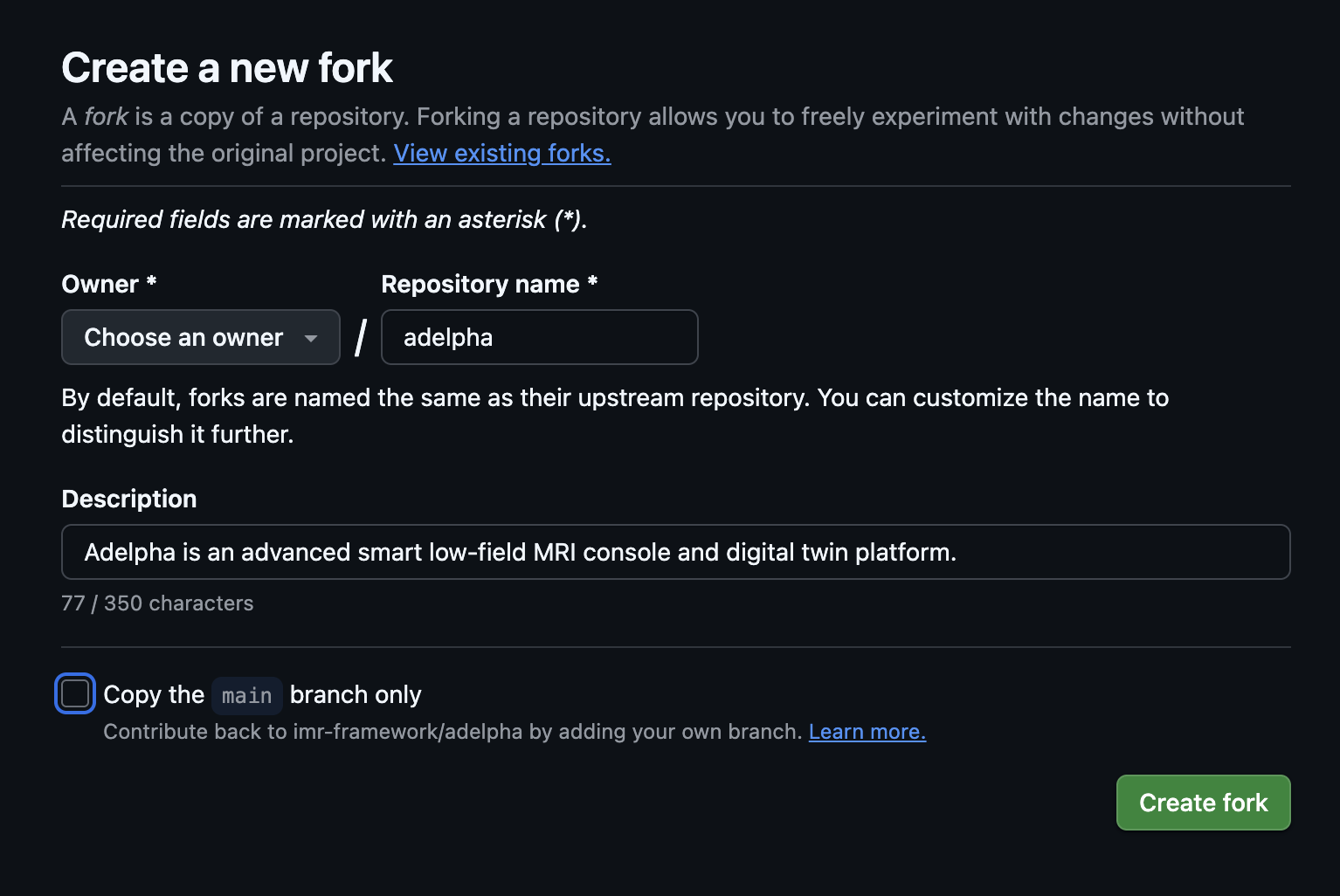
main branch only unchecked so the workshop branch is on your fork.2. Clone the workshop branch from your fork
Use the HTTPS or SSH URL of your fork, not imr-framework/adelpha.
Or, in an existing clone of your fork:
3. Start a short-lived branch
Do not commit on the shared workshop branch.
Replace your-topic with a short name for your session or notebook.
4. Add or edit notebooks
Work only under sidecar/console/notebooks/.
- Name files
NN_short_name.ipynbso they sort in teaching order.01_setup_environment.ipynbis the setup notebook. - Put a title cell at the top that states the session goal.
- You can group notebooks in subfolders, for example
sidecar/console/notebooks/acqfor acquisition.
5. Keep the commit small
Do not commit the workshop virtualenv, checkpoints, or bulky execution output.
sidecar/console/notebooks/.diy-mri-workshop/and.ipynb_checkpoints/stay local.- Clear cell outputs before you commit if a notebook grew large.
6. Commit, push, and open a PR
git add sidecar/console/notebooks/
git commit -m "Add workshop notebook: short description"
git push -u origin HEAD
On GitHub, set the PR base to workshop/delta-2026. With gh:
gh pr create --base workshop/delta-2026 --title "Add workshop notebook: short description" --body "Mentor notebook for the DELTA DIY MRI workshop."
Check the base branch
If GitHub offers main as the default base, change it to workshop/delta-2026 before you create the pull request.